
Flexibles – Responsive Tables
Flexibles (Responsive Tables) lets you build beautiful, mobile‑friendly tables using a simple visual editor—no coding required. Create and style tables in the admin, then place them anywhere on your site with a quick copy‑and‑paste; the plugin handles responsive layout and accessibility automatically.
Screenshots
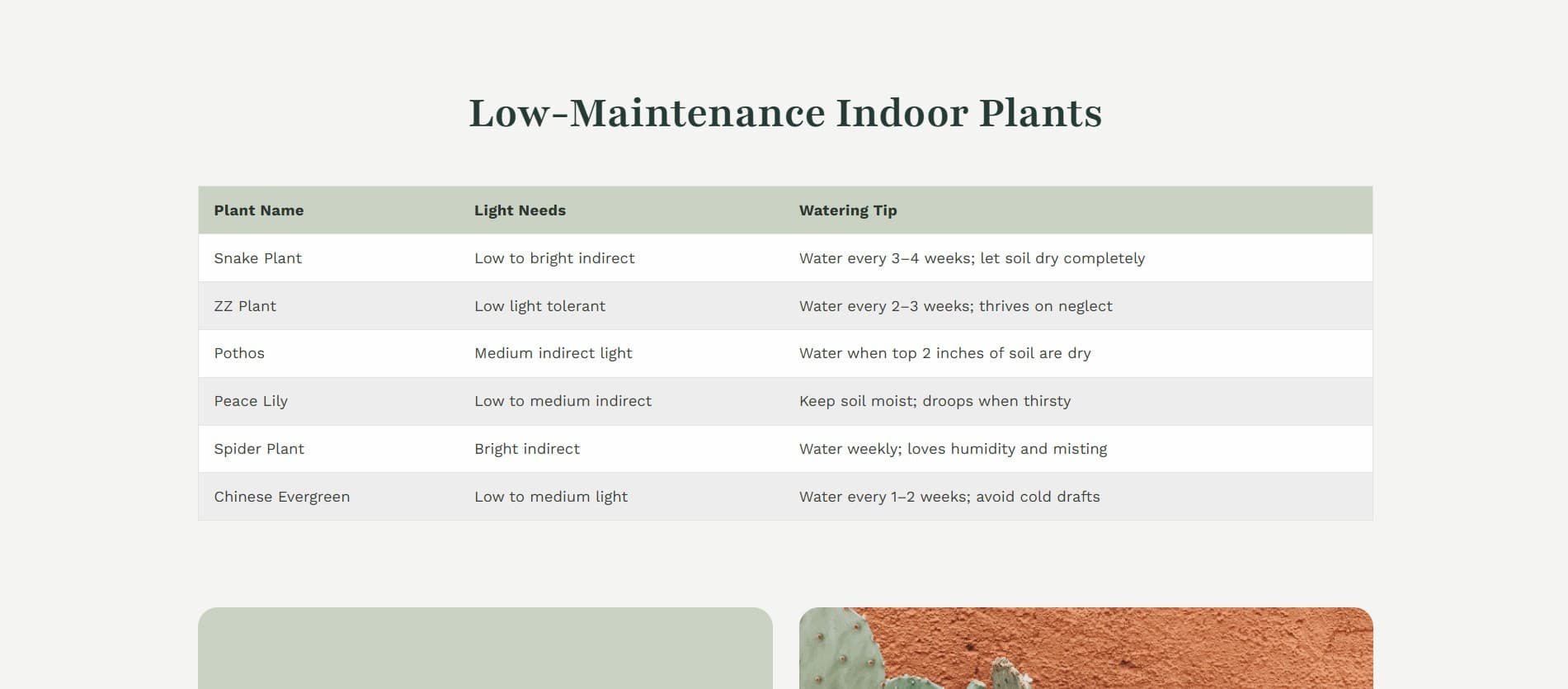
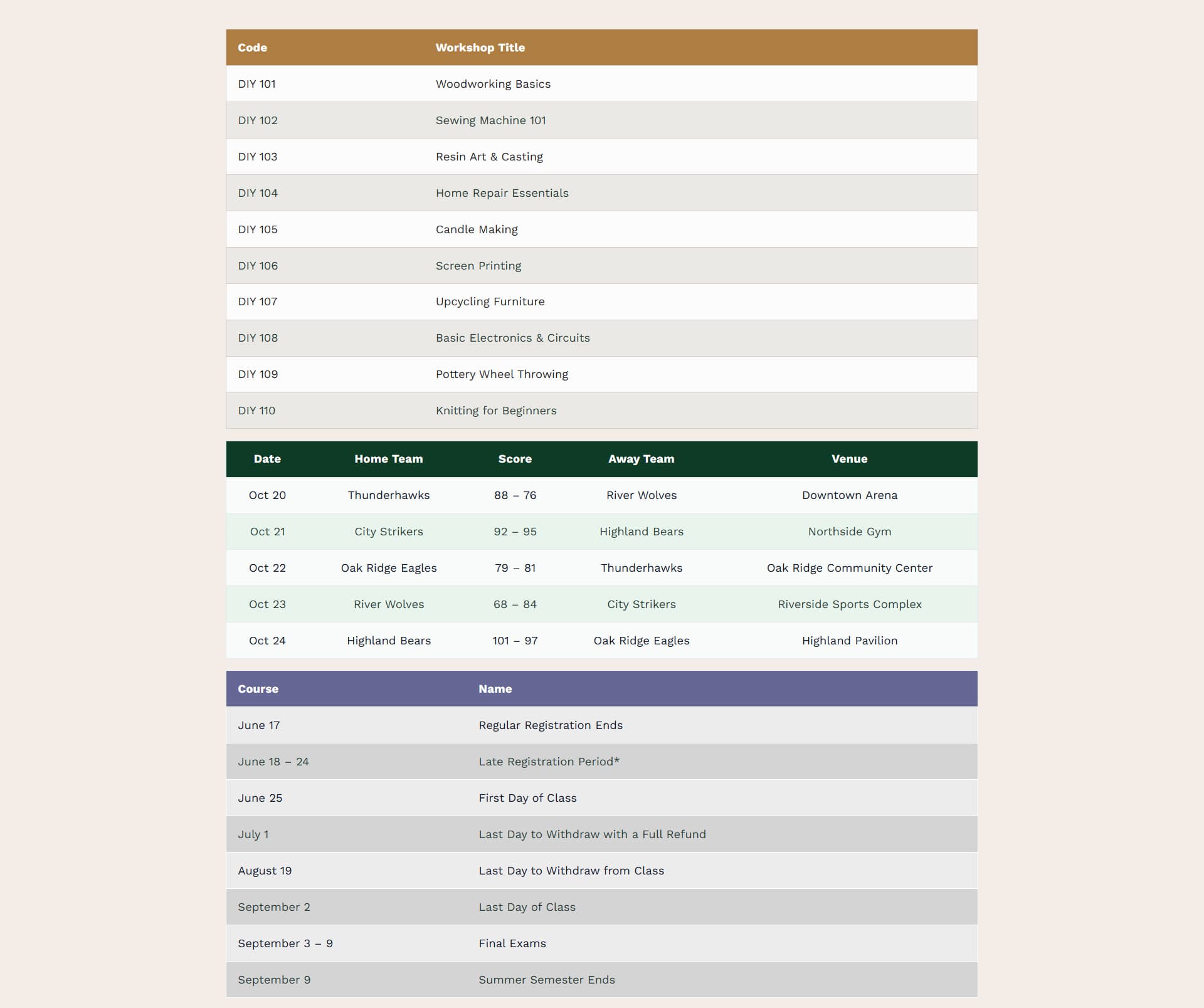

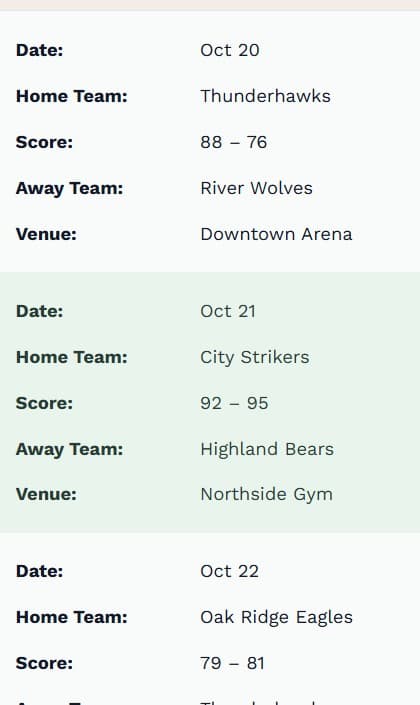
Features
📱 Fully Responsive
- Mobile-First Modes: Choose between Stacked Cards (transforms rows into card layouts) or Horizontal Scroll for complex data.
- Touch Friendly: Optimized spacing and interactions for touch devices.
🎨 Design & Customization
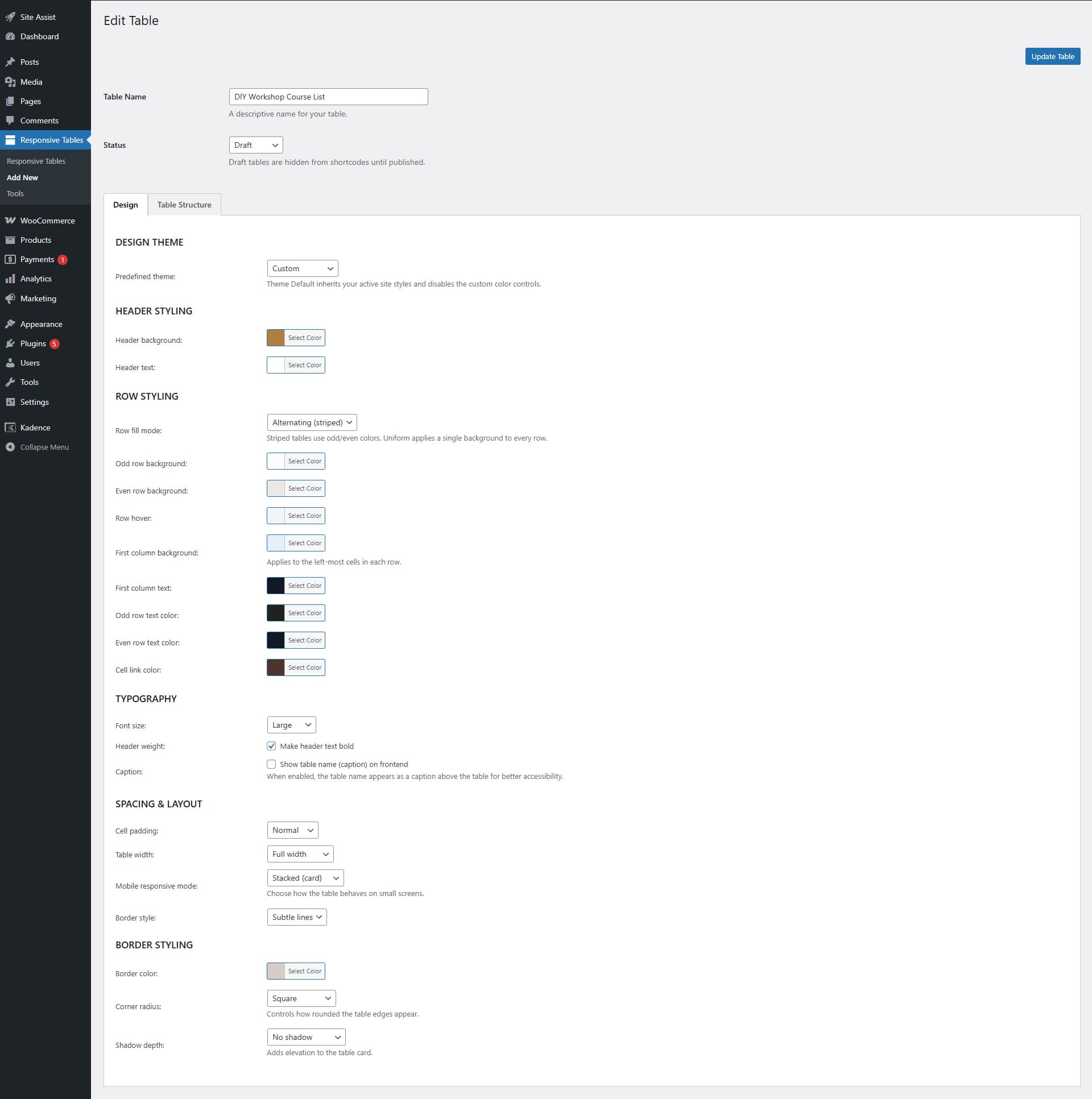
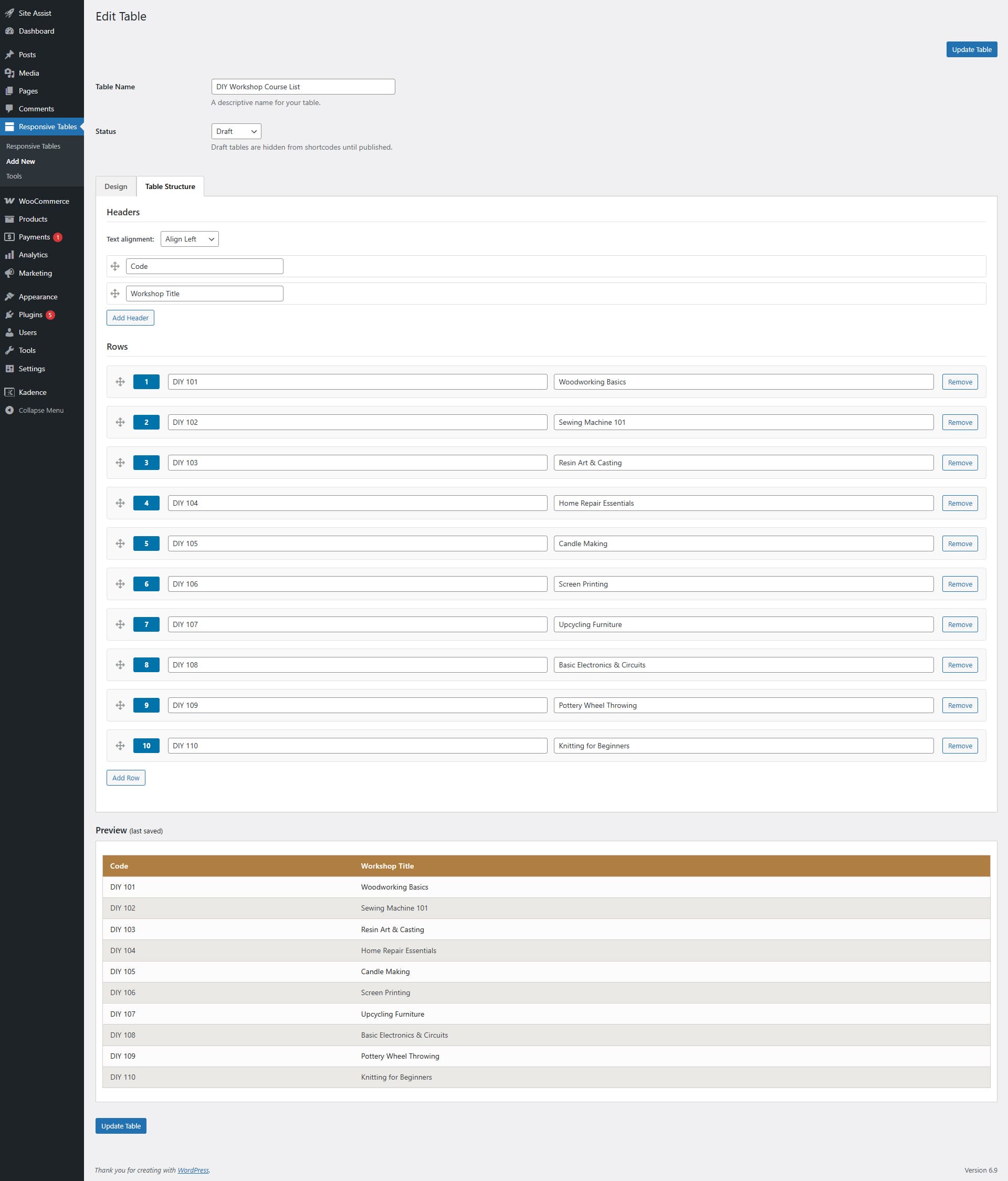
- Visual Table Builder: Real-time preview in the admin dashboard.
- Theme Options:
- Custom: Full control over colors, borders, and spacing.
- Theme Default: Automatically adapts to your active WordPress theme’s styles.
- Typography Controls: Adjustable font sizes (Small, Medium, Large) and header weights.
- Styling:
- Colors: Customize headers, rows (striped/uniform), hover effects, and borders.
- Borders & Shadows: options for border styles (None, Subtle, Solid), corner radius (Square, Soft, Pill), and drop shadows.
- Spacing: Compact, Normal, or Spacious cell padding.
- Alignment: Global or column-specific text alignment (Left, Center, Right).
⚡ Performance & Lightweight
- Zero Database Bloat: Uses the native WordPress Options API; no extra database tables created.
- Smart Loading: Assets are only enqueued on pages where the shortcode is present.
- Clean Code: No jQuery dependencies for the frontend; pure CSS/JS.
🛠️ Power User Tools
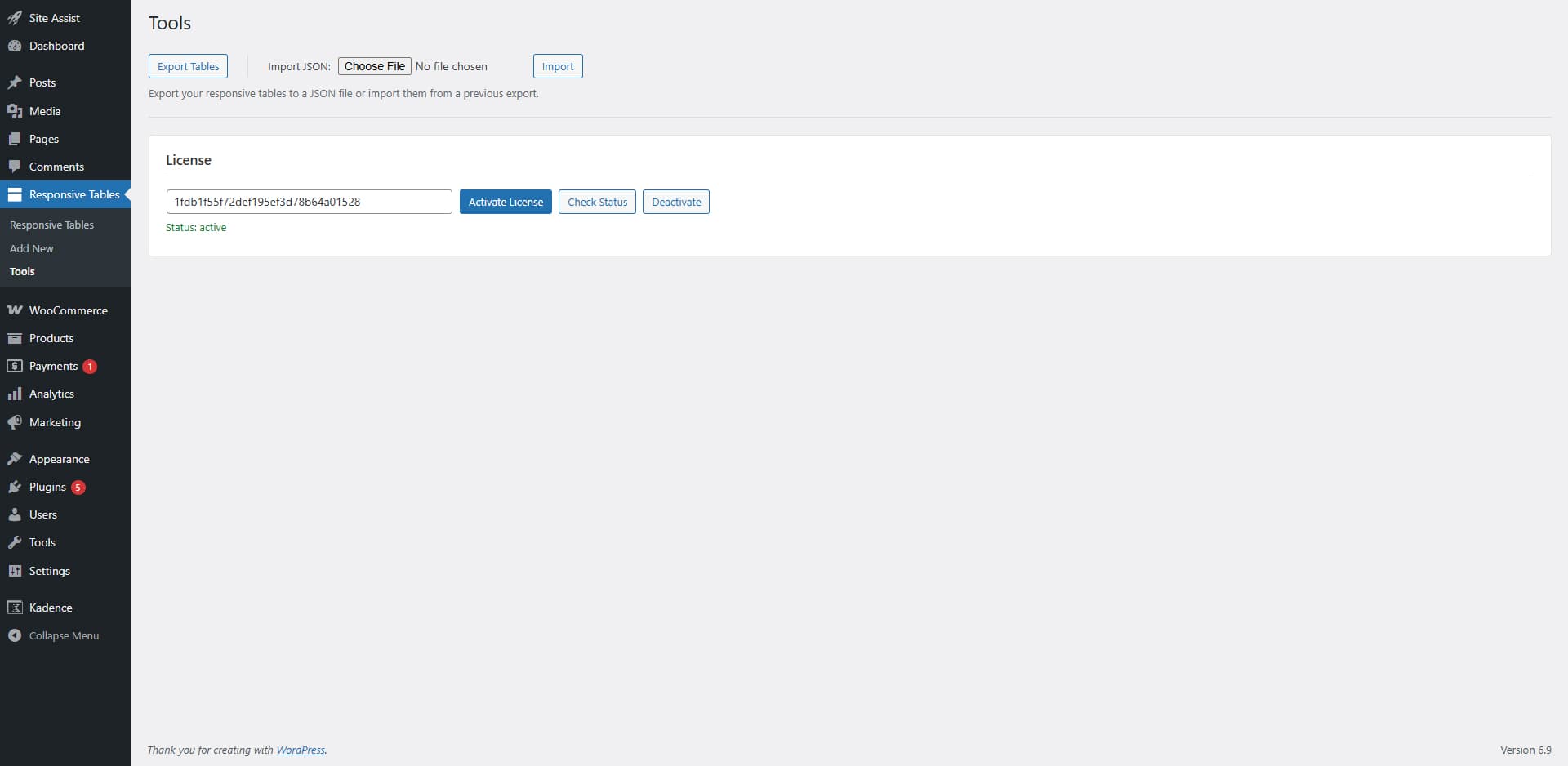
- Import / Export: Easily move tables between sites using JSON import/export with validation.
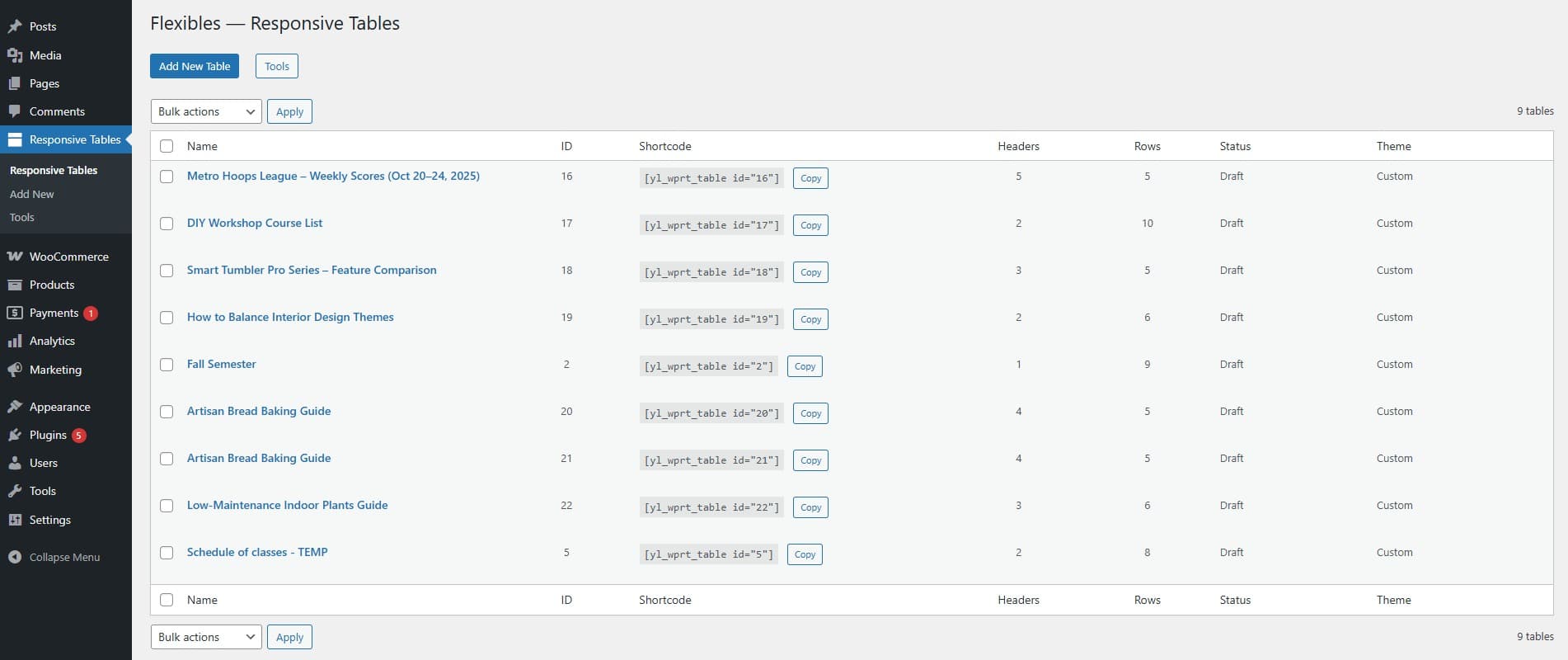
- Shortcode Generator: Simple shortcodes
[yl_wprt_table id="1"]with support for inline overrides. - Developer Friendly: Hooks and filters available for extending functionality.
♿ Accessibility
-
- Semantic Markup: Proper usage of thead, th, and scope attributes.
- Mobile Labels: Values in stacked mode are clearly labeled with their corresponding headers.
- Captions: Optional table captions for screen readers and context